Let's Explore Kubernetes:

Summary

Learning Objectives

Summarise key content around Containers, Workloads and Kubernetes

Recap the full process of preparing an application and how Kubernetes reconciles desired state

Provide a visual reference for the core analogy and technical concepts

Conclusion

We have learnt that Kubernetes is a container orchestration system that can efficiently manage and deploy many containers at scale. To use Kubernetes successfully, we need:

  • Application code to be packaged with its dependencies (containerised)
  • Workload definitions describing which pods should run and how they should be maintained
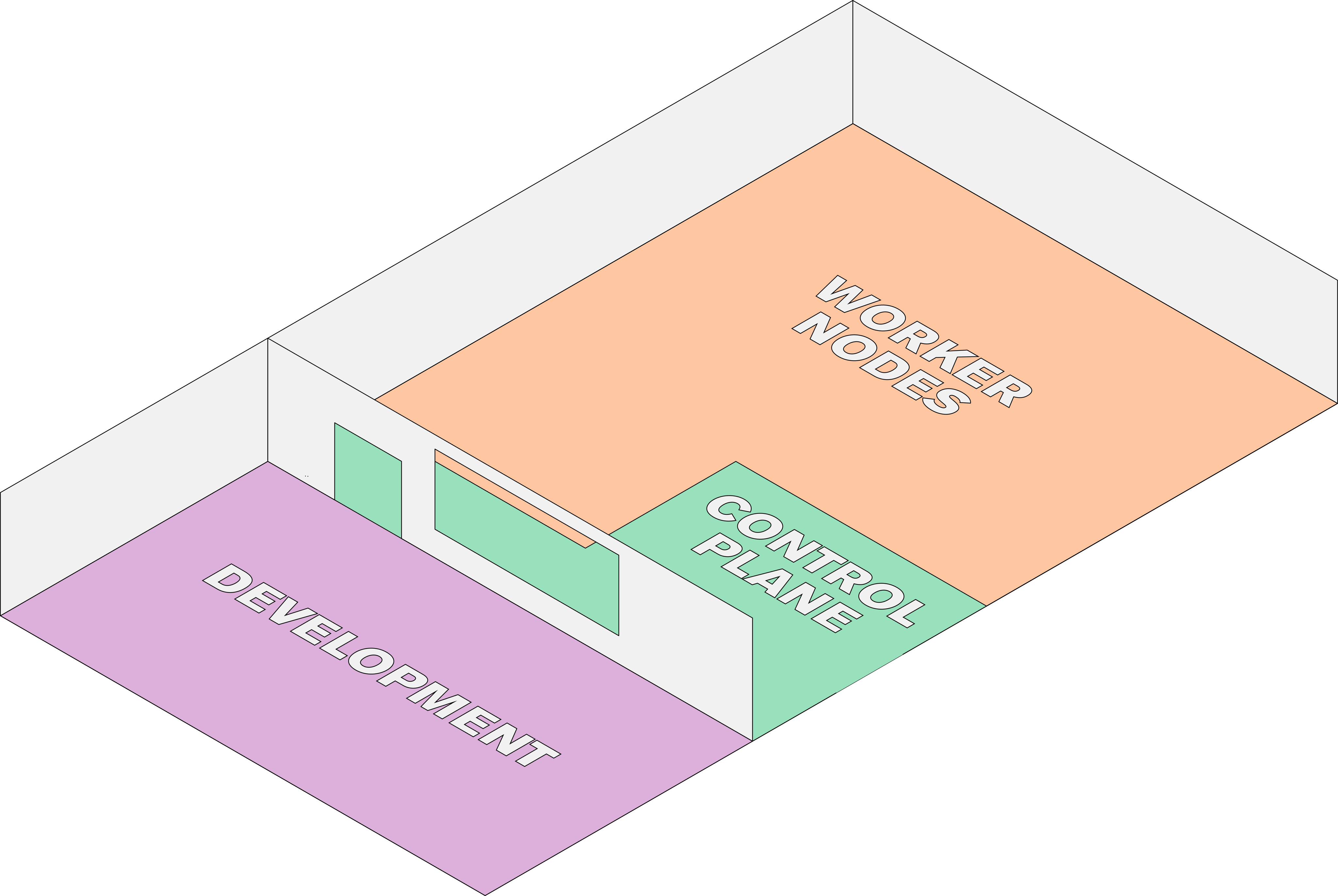
  • A Kubernetes control plane and worker nodes to coordinate and run the pods

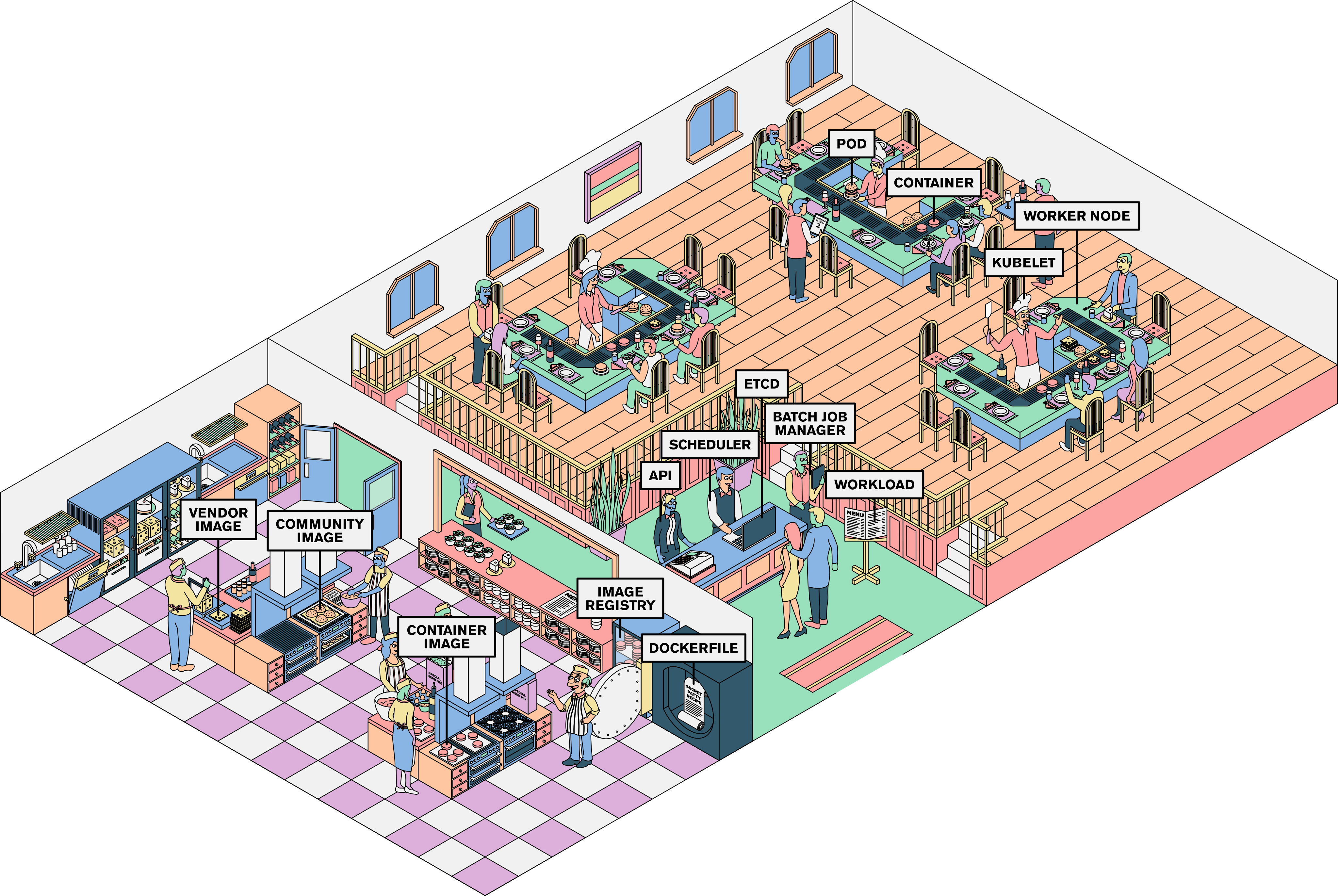
Use the visual reference or open the annotated restaurant diagram to revisit the core concepts.

Final Recap

Let's explore Kubernetes one final time by following the end-to-end process: prepare the application, define the desired state, and watch the control plane coordinate work on the worker nodes.

Containerise the application

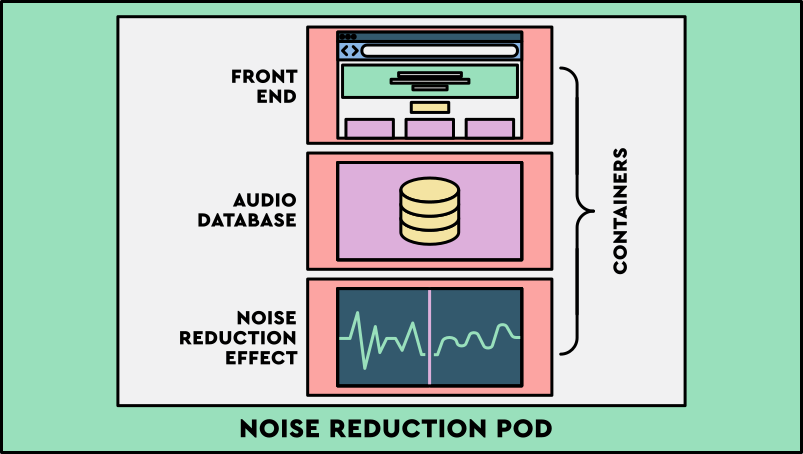
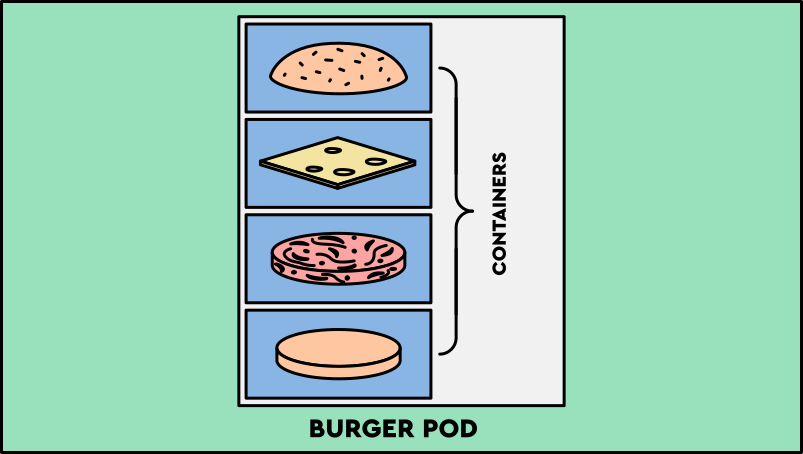
Developers write Dockerfiles to build images for the code they own and use community or vendor images for trusted supporting components. Related containers are grouped together in pods.

Gather recipes for Tommy’s Burger

Tommy creates his secret patty recipe and gives this to the prep chefs in the kitchen who gather these with any other recipes needed to make components of Tommy’s burger.

Define a workload

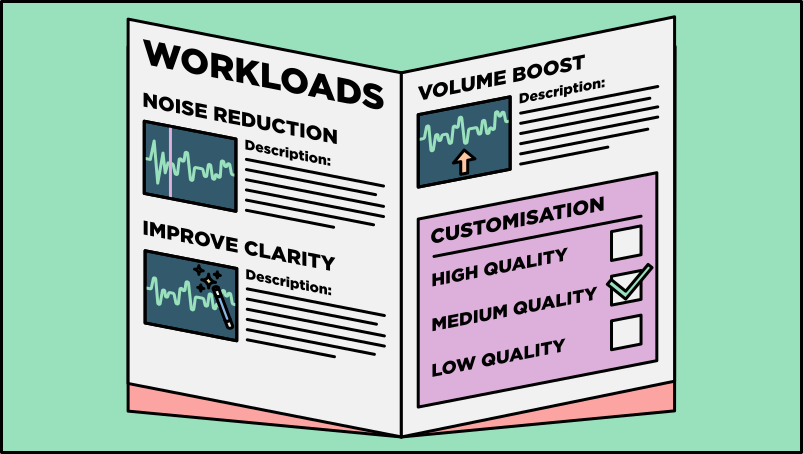
Kubernetes needs to know how to handle each type of request made to the application, so developers define this in a Workload. They include details such as how many containers are needed and what customisations can be made.

Write the menu

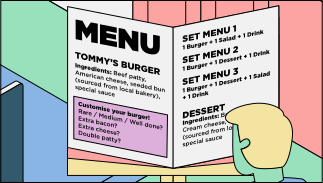
The prep chefs write a detailed menu which includes a description of how each dish is made and what can be customised in each dish.

User makes request

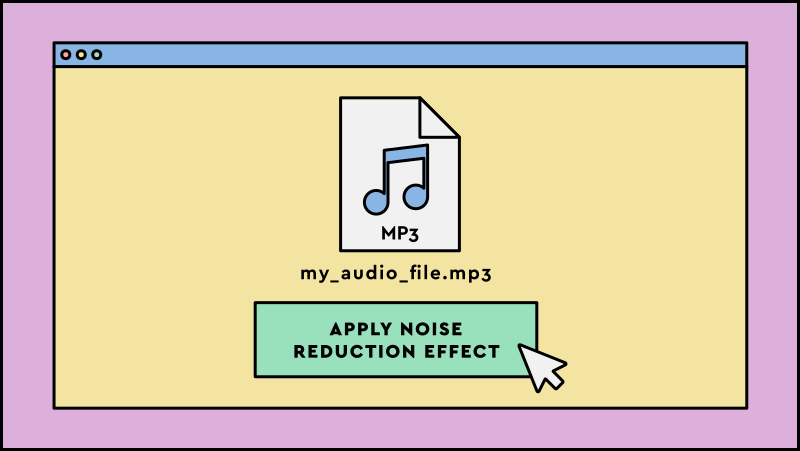
A user submits a request to carry out a batch job, such as requesting to apply the 'noise reduction' audio effect to their audio file.

Customer places order

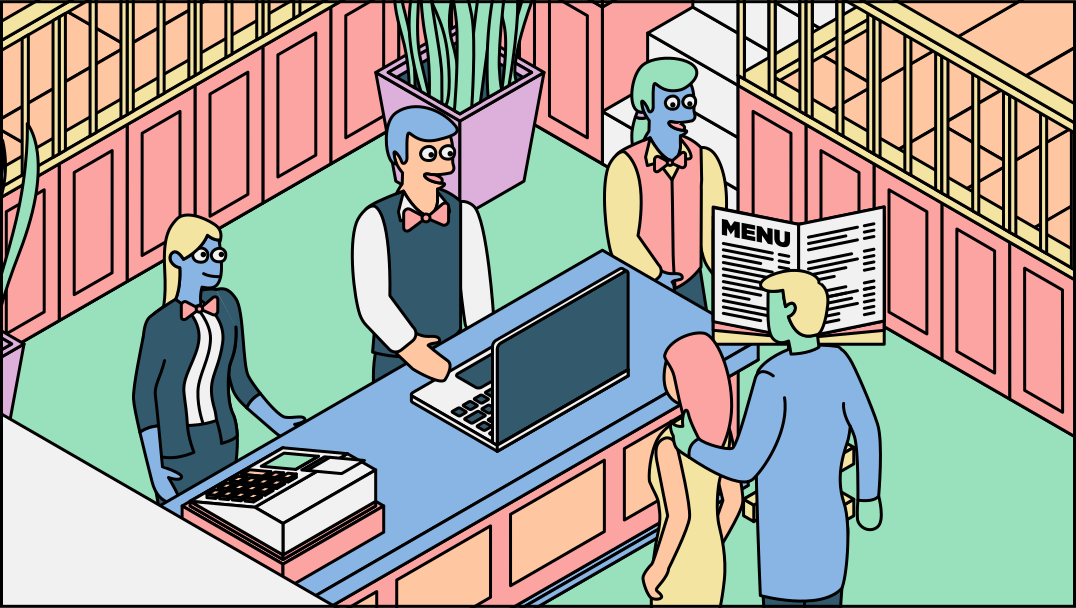
Two customers place an order to the receptionist on the front desk. One asks for Set Menu 2= burger (with extra bacon) + dessert + drink and the other asks for Set Menu 1= burger + salad + drink.

API server records request

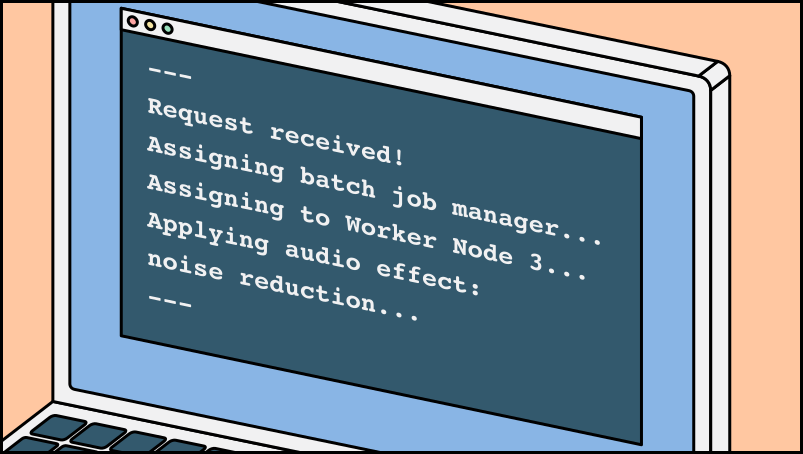
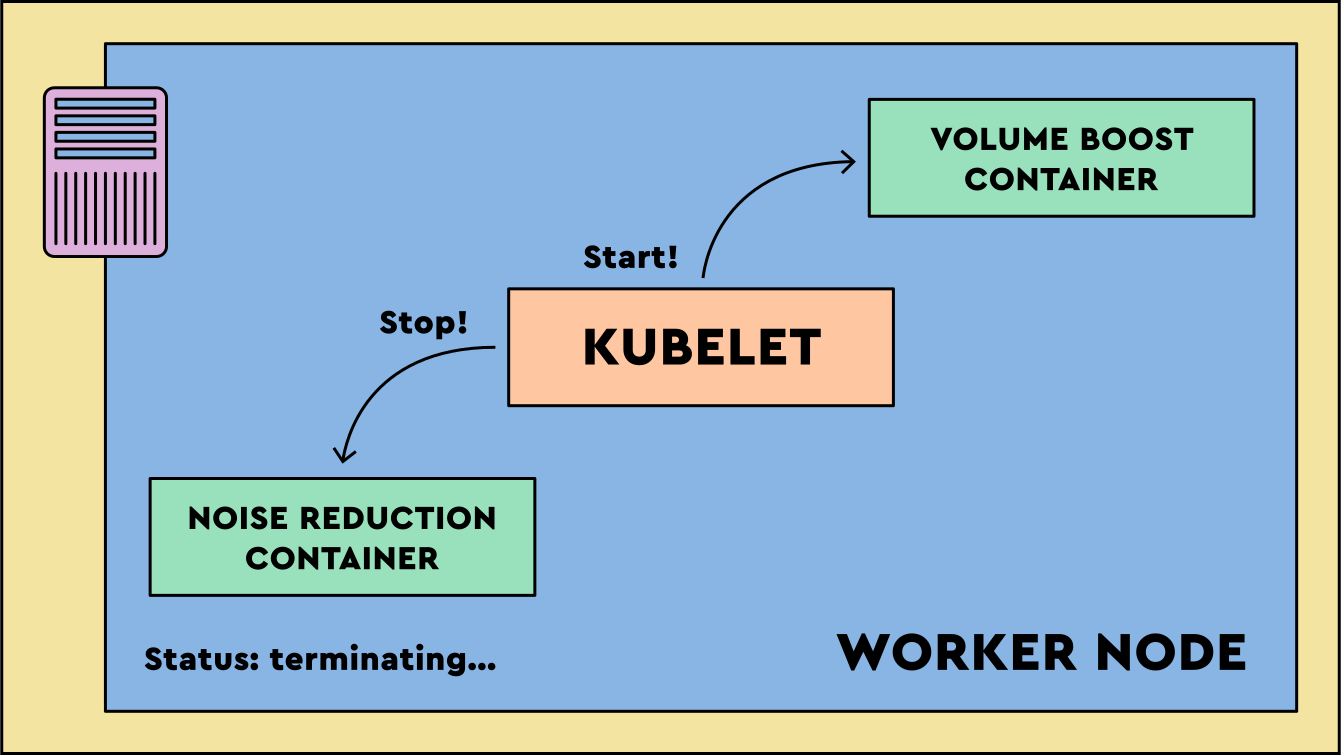
The Kubernetes API server receives the request, validates it, and persists the desired state in etcd. The workload definition says a pod should run the noise reduction audio effect container.

Receptionist captures order request

The receptionist captures the order and records it in the database. Staff can see that a new order has come through.

Controller Manager assigned

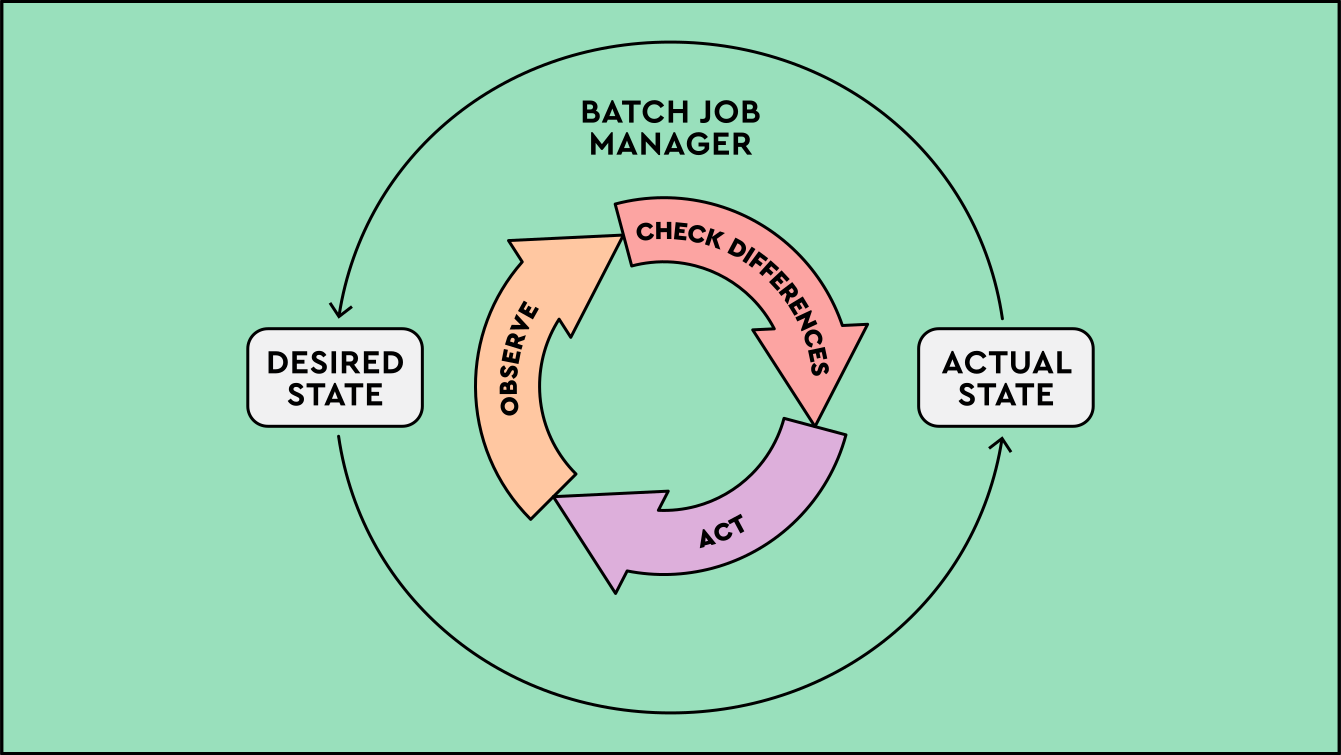
The controller manager runs controllers that watch cluster state. When current state does not match desired state, a controller requests the changes needed to close the gap.

Dedicated waiter assigned

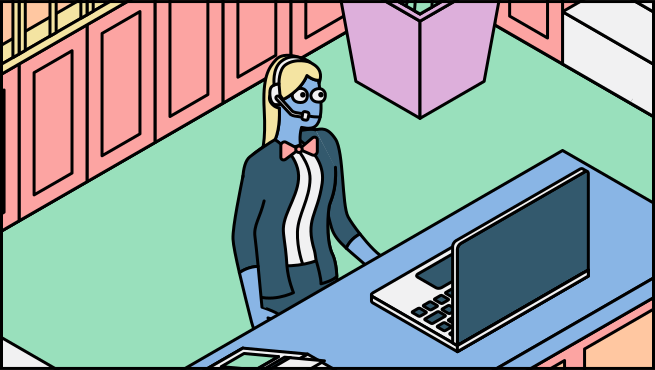
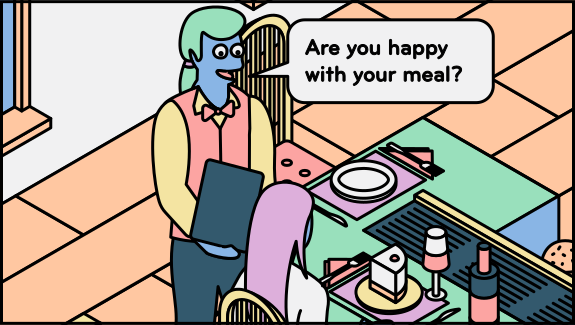
A dedicated waiter ensures the successful execution of orders by consistently checking in on customers, referring back to their order details from the menu to fulfill their expectations.

Scheduler assigns a node

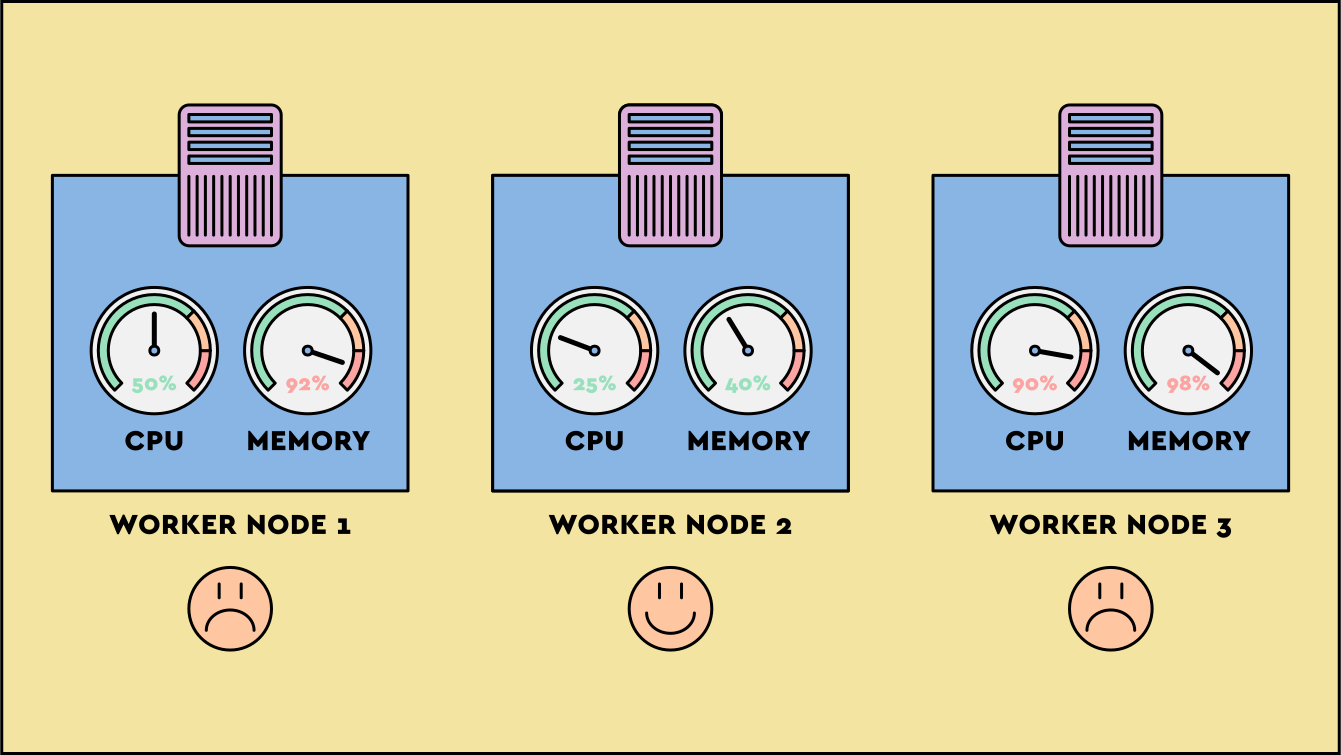
The scheduler finds a Worker Node with sufficient capacity to be able to run the required containers in.

Maitre'd assigns a table

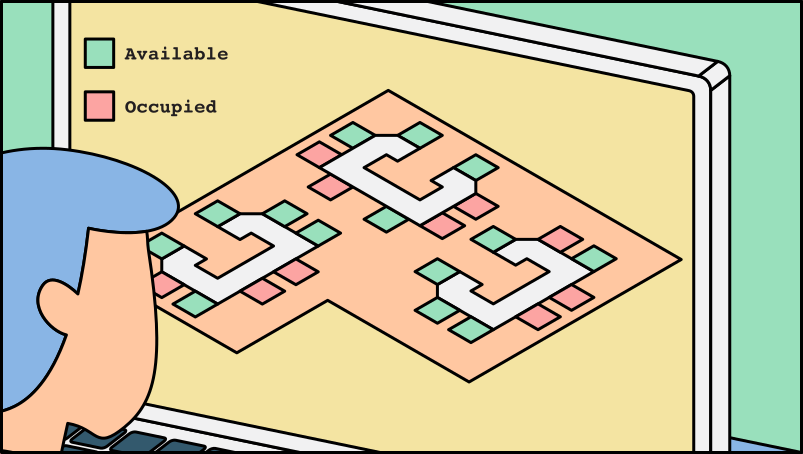
The maitre’d finds a suitable table with enough seats to seat both customers.

Kubelet runs containers

The kubelet receives pod information through the API server, starts and stops containers as required, monitors their health, and reports status back through the API server.

Table chef starts cooking

The table chef receives the order, starts cooking, and provides status updates so the front desk knows how far the order has progressed.

Response displayed

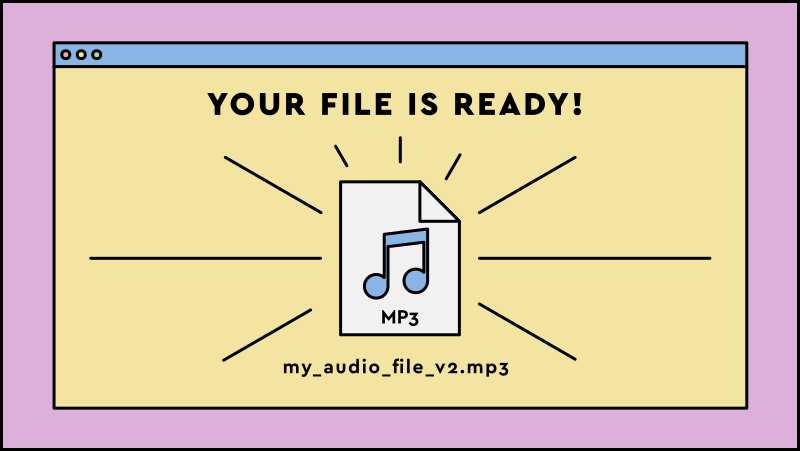
Inside the container on the Worker Node, the code processes the batch job request and generates the response, such as outputting the audio file with the applied noise reduction audio effect. This response is displayed to the user.

Meal is served

The meals are served to the customers once they are ready.

Final Checkpoint Click here to check in and see what you've learned so far

- We now have a defined, automated way to reconcile desired state within Kubernetes.

- When demand grows, Kubernetes gives us the primitives to scale pods and nodes in a controlled way.

- In periods of lower demand, Kubernetes can scale back down when autoscaling is configured.

- If a container, pod, or worker node fails, Kubernetes can restart or replace affected work to reduce downtime.

- Kubernetes helps teams use capacity efficiently by scheduling pods across suitable worker nodes.

- Kubernetes provides a solution to help growing organisations manage multiple containers with ease.
In this course, you have learnt that Kubernetes is a container orchestration system that coordinates the deployment, scaling, and operation of containers across worker nodes. It uses declared desired state, observes current state, and acts continuously to keep applications running as intended.

Further reading

Want to go deeper into the technology itself? These are good places to start.

  • The official Kubernetes site
  • The Kubernetes project at Cloud Native Computing Foundation
  • The official Docker website
  • The Kubernetes Github project

From understanding Kubernetes to adopting it

We are LiveWyer. We have spent over a decade helping organisations move applications onto Kubernetes and run them in production. We do this work alongside your own engineers, so your team owns the result rather than depending on us afterwards.

  • Independent and vendor-neutral: we have no platform or hypervisor to sell you
  • Time-boxed engagements with a clear scope and a clear deliverable
  • We document every decision and the trade-offs behind it

Not sure where to start? A Technical Review is a short, time-boxed assessment of where you are today and what adopting Kubernetes would actually take. See how we have done this for other organisations.